Invitlo Seats
Help every guest find their seat.
Design a floor map or upload your venue image, assign tables, then share a QR — guests type their name and see where to sit.
One-time purchase · Invitlo Seats
Unlimited guests · Works standalone or with your invitation
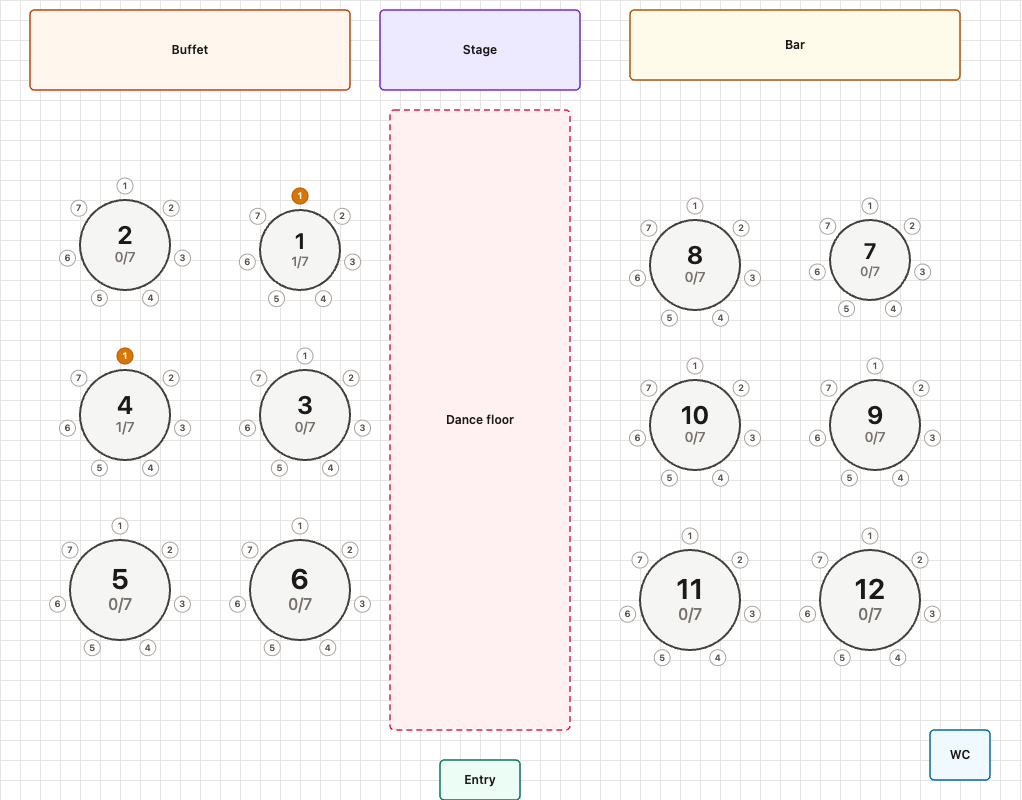
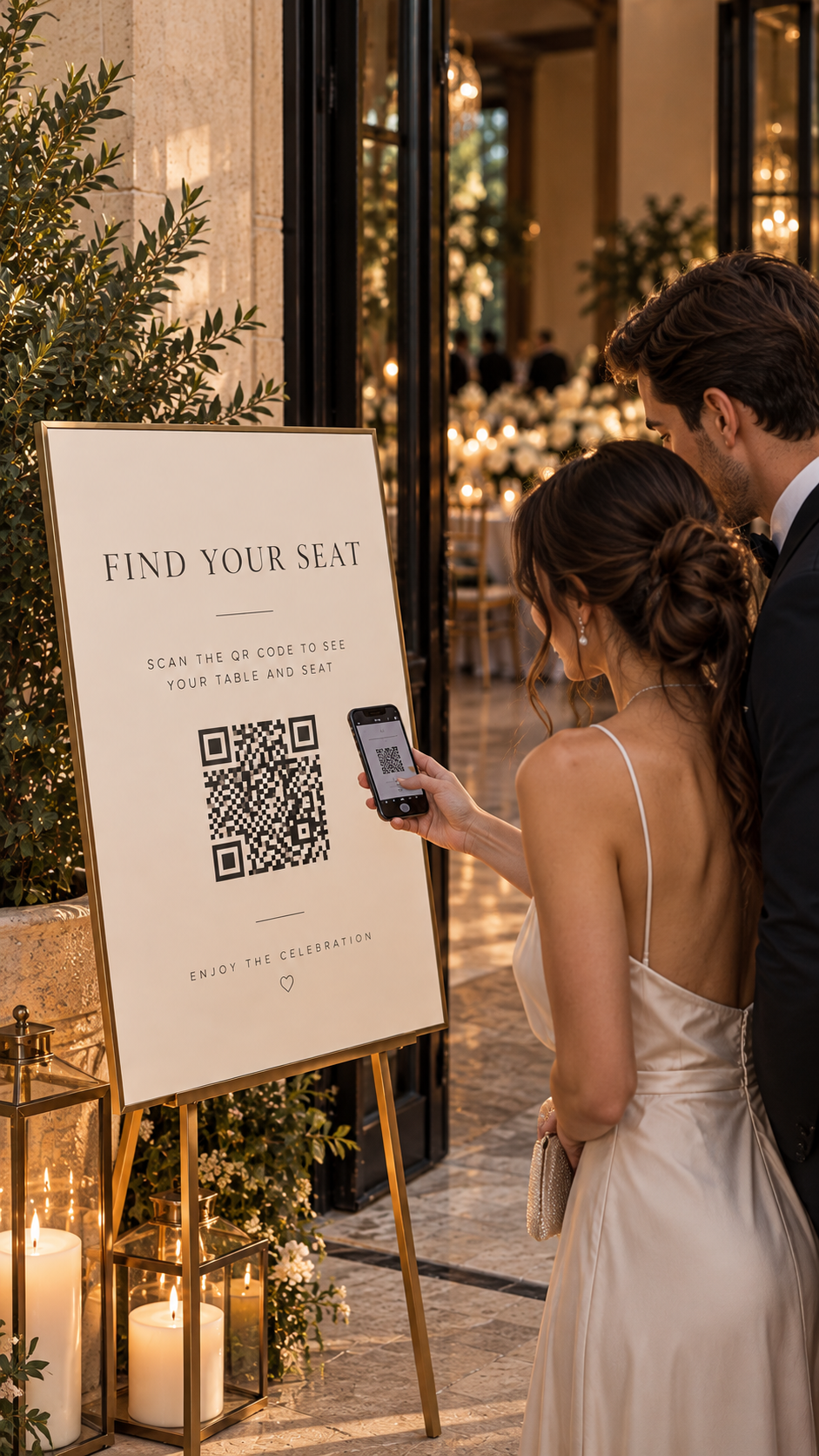
Design your floor map, then open the live finder — guests type a name and see their table.
How it works
Ready in three steps
Create your chart, place tables on a designed or uploaded map, then share the guest finder.
Step 1
Create & unlock
Name your event and unlock Invitlo Seats with a one-time $29.99 payment.
Step 2
Design or upload
Build the floor on our canvas, or upload a venue map and place tables on top — then assign guests.
Step 3
Share the QR
Publish the guest finder. Guests scan, type their name, and see their table highlighted.
Included
Everything in Invitlo Seats
Built for weddings, dinners, and celebrations — with or without an invitation.
Design on canvas
Tables, amenities, and labels — arrange the room the way it feels in real life.
Upload a venue map
Already have a floor plan image? Upload it and place tables on top as a separate design.
Guest assignments
Build your guest list, connect names to tables, and optional seat numbers — with no guest cap.
QR name finder
Guests type their name on their phone — no app install — and see their table.
Highlighted map
Their table lights up on the floor map so they know where to go.
Unlimited guests
Invite as many people as you need. No limit on guest list size or seat finder lookups.
Ready for Invitlo Seats?
Start in minutes. Pay once. Unlimited guests. Design or upload your map and share the finder QR.
FAQ
Frequently asked questions
Quick answers about Invitlo Seats — floor maps, guest assignments, QR seat finder, and pricing.
What is Invitlo Seats?
Invitlo Seats is a standalone seating chart. Design a floor map or upload your venue image, assign guests to tables, then share a QR so guests type their name and see where to sit.
Do I need an Invitlo invitation to use Seats?
No. Invitlo Seats works standalone. You can also use it with an Invitlo invitation if you already manage guests there.
Can I upload my own venue floor plan?
Yes. Build the room on our canvas, or upload a venue map image and place tables on top as a separate design. Switch between designed and uploaded maps anytime.
How do guests find their seat?
Guests scan the QR or open the link, type their name on their phone—no app install—and see their table highlighted on the floor map.
How much does Invitlo Seats cost?
Invitlo Seats is a one-time purchase (about $29.99). There is no monthly subscription and no guest cap on the seat finder.
Is there a limit on guests?
No. Add as many guests as you need. There is no limit on guest list size or seat finder lookups.